How to make a narrated map video
Updated 9 Nov 20262 min read
To make a map video, choose Story video in the GeoLens studio, write or paste your narration and press Make the timeline. Each sentence becomes a scene. Add the places and data you want on the map, pick a look and download the MP4.
What a Story video is
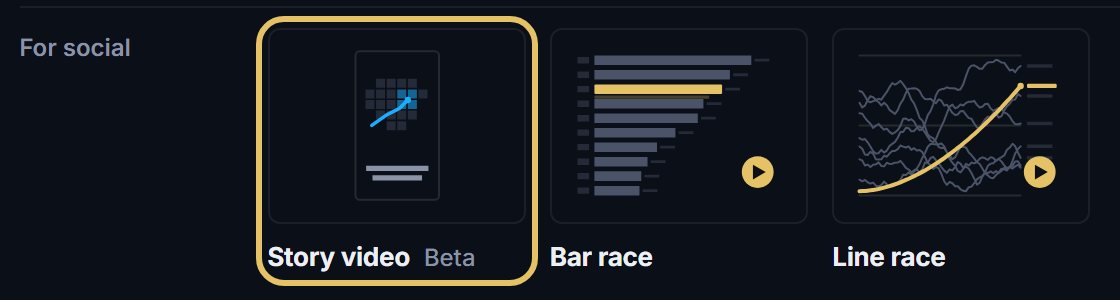
A Story video is a short vertical film on a map. Each sentence of your text becomes a scene, and the camera, the places and the numbers follow the words. It is made for Reels, Shorts and TikTok, 9:16 by default.
Start from one of the finished videos to see how one is built, or from your own words.
How to make a map video, step by step
Seven steps, from an empty studio to the video file. Each picture shows the control to use, ringed in gold.
Open geolens.eu/create and choose Story video, under For social.
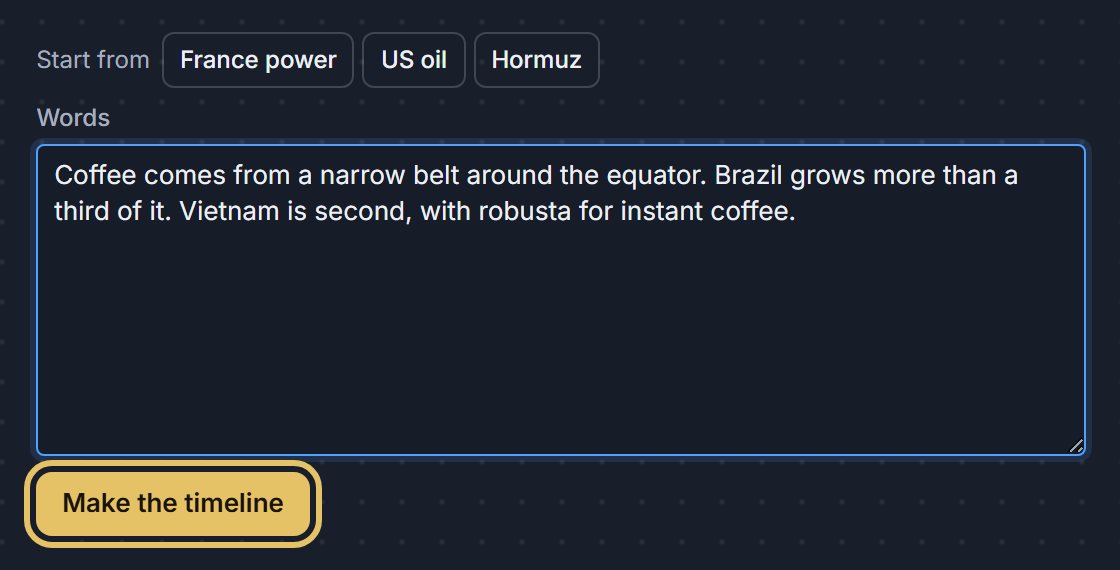
Write or paste your narration and press Make the timeline. Each sentence becomes a scene. To see a finished video first, press one of the videos under Start from.
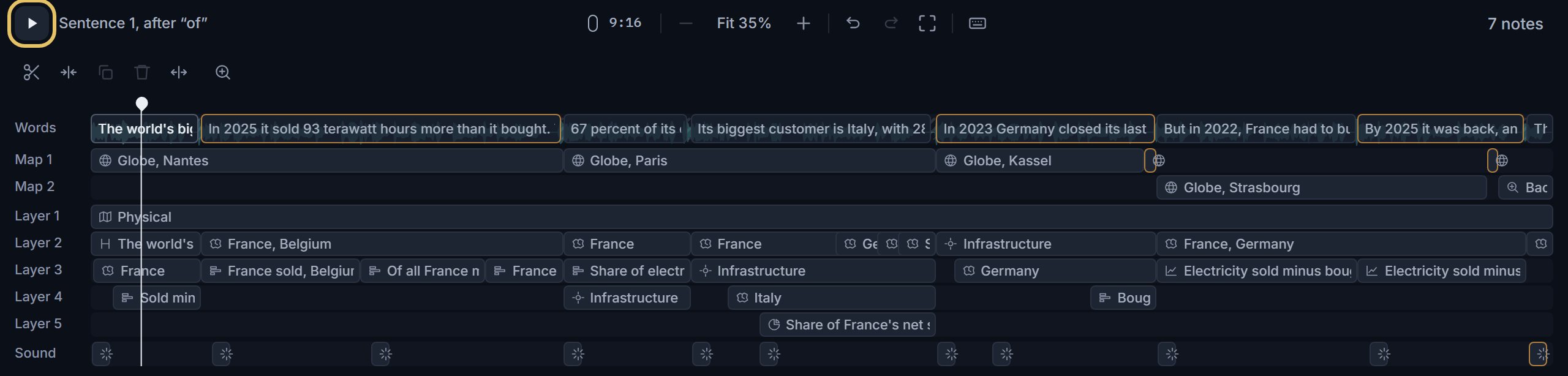
The timeline lays out the video: your words on top, the camera on the Map rows and what shows on the map on the layers below. Press play to watch it.
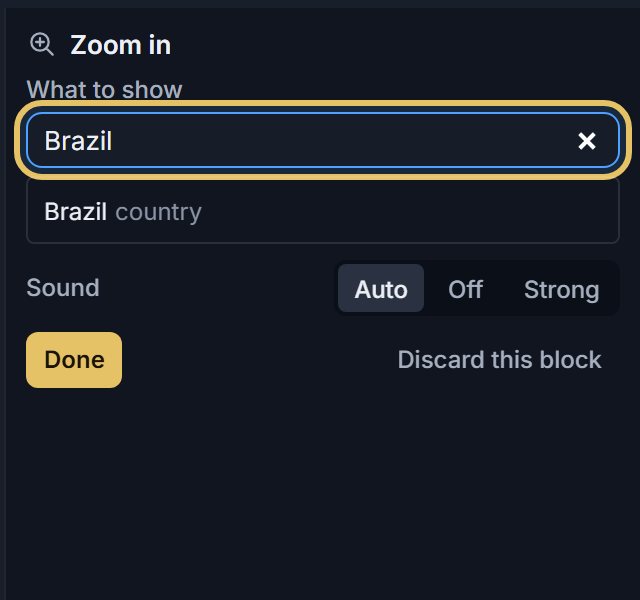
To show a place, add Zoom in from Blocks, by dragging it onto the timeline or clicking it, and type the place. Place, Countries, Route, Bars and Time chart add marks and data the same way.
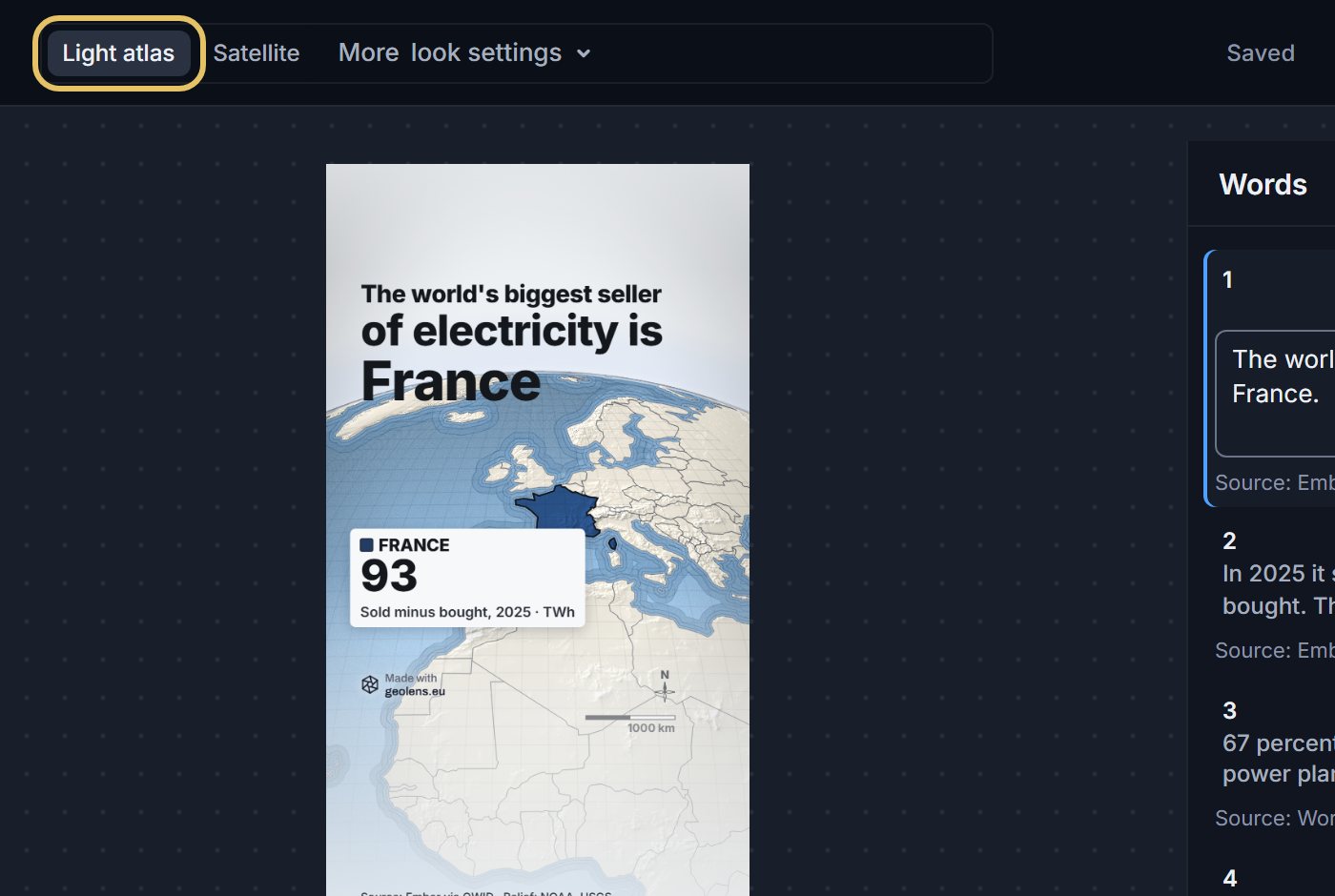
Pick the look of the map: Light atlas or Satellite. More look settings holds the country colours, the subtitles and the ending.
Read the notes before you download. They list what to fix, such as a scene with too little time to read or a number without a source.
Press Download for the MP4. It renders in your browser, so keep the tab open until it finishes.

TipKeep each sentence to one idea. A short scene reads better on a phone than a long one.
What makes a good map video
Lead with the finding, not the topic: the first sentence is the hook. Show the place before you talk about it, and give every number a source.
Thirty to sixty seconds is plenty. Fewer, slower scenes beat many fast ones.
Sound
Add your own music with the Music block. The file stays on your computer and is mixed into the download. Without music the video downloads silent, timed by reading speed, ready for the platform's own sound.